


7 min read
A Calm and Respectful Guide on How to Introduce Live Captions to a Loved One
Learn how to introduce live captions to a family member using a respectful, autonomy-first approach that strengthens connection without pressure.
Read articleLive captions for face-to-face conversation
For anyone hard of hearing. Nothing to learn.
Get the app for iPhone or Android


Free to use. Nothing to buy until you know it works.
Live captions: I've made us both a cup of tea.
Hold the button and say hello — or just tap it.
One of you holds the button and talks. The other only has to read. Nothing to install, and nothing for them to learn.

01
Whoever is talking holds it. One voice at a time, which is why it works.

02
Talk the way you always would. No slowing down, no repeating yourself.

03
The words appear big enough to read from the other side of the table.
Native on iPhone and Android. The same one button, the same big type.
How Carbery works
The web app runs everywhere else, on whatever device is already to hand.
Every detail exists so one person can keep another inside the conversation.
Captions grow to fill the screen. Long sentences scroll instead of shrinking away.
One tap turns the captions to face the person opposite while your controls stay in your hands.
They tap a suggested reply, or type their own, and Carbery says it out loud in a natural voice.
From English to 日本語 to Português, with correct line breaks even where there are no spaces.
Tap your name before you speak, so every line carries the right person. Add the family's names so the captions spell them right.
Warm paper, black on white, or white on black, whichever suits the reader's eyes.
Scroll back through earlier lines when a moment needs revisiting. Stored on the device, nowhere else.
Speech is recognised on the device. No account, no recordings, nothing to set up.
The whole app — menus, settings, suggestions — speaks nine languages, and it can caption conversations in twelve.
English
Would you like another cup?
日本語
もう一杯いかがですか?
中文(普通话)
再来一杯好吗?
한국어
한 잔 더 드시겠어요?
Español
¿Quieres otra taza?
Français
Encore une tasse ?
Deutsch
Möchtest du noch eine Tasse?
Italiano
Vuoi un'altra tazza?
Português
Quer mais uma xícara?

Carbery began when a 99-year-old grandfather was finding conversation harder to hear. His family did not want him learning a new device at 99. They needed something that did one job well: make spoken words large, clear and easy to read.
The name comes from the street where he lived. The need is shared by many families: a parent, grandparent, uncle, aunt or friend who wants to stay part of the moment.
Blog
Carefully sourced, practical articles for families and anyone navigating hearing differences — written to help, never to diagnose.
Read all articlesLearn how to introduce live captions to a family member using a respectful, autonomy-first approach that strengthens connection without pressure.
Read article
Discover how to configure live captions for maximum reading comfort by calculating the ideal text size, line length, and contrast based on your viewing distance.
Read article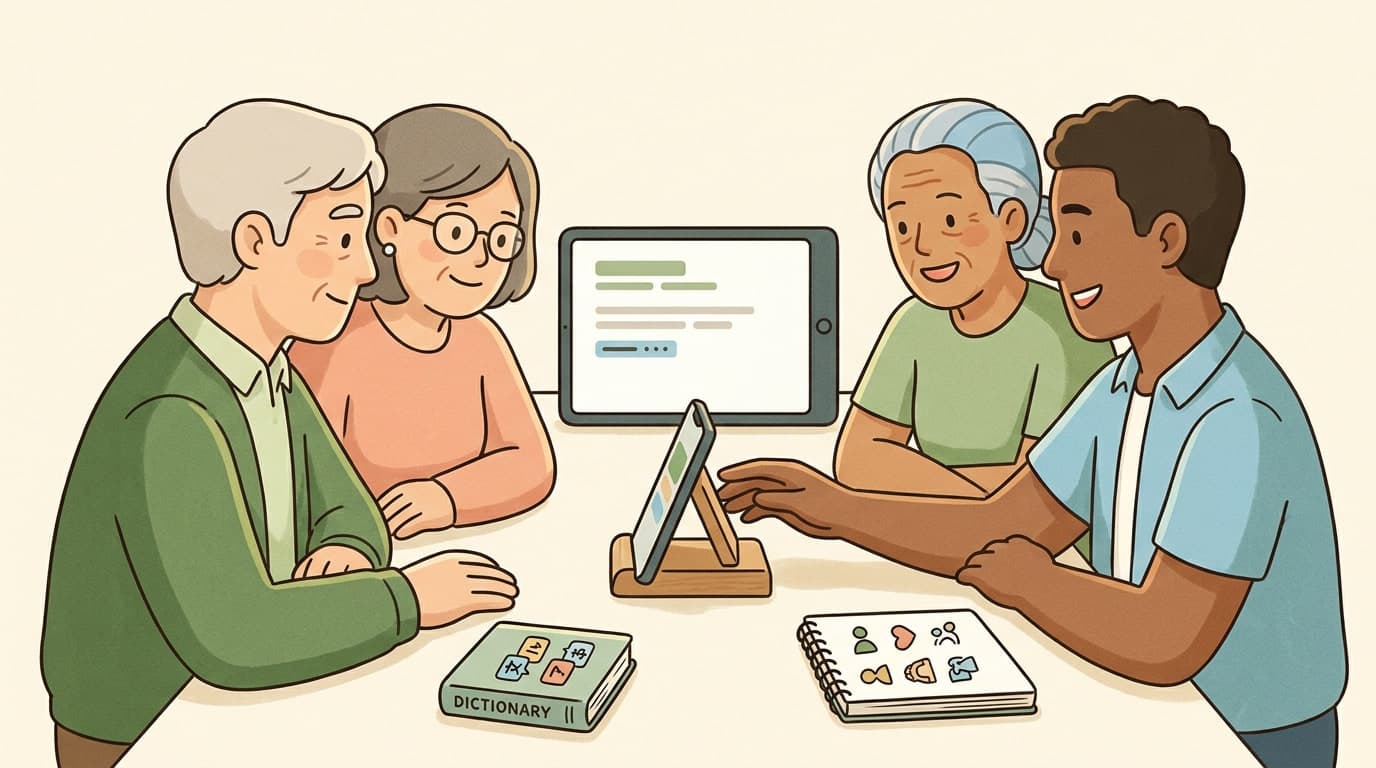
Learn how to establish a respectful, high-quality live-captioning setup that accommodates natural code-switching, unique family names, and comfortable visual pacing without putting the technical burden on your loved ones.
Read article